

Creator Guide
What's the Best Light for Content Creators?
Makeup tutorials, cooking videos, TikToks, travel content, livestreams and YouTube videos all ask something different from your lighting. Here's how four creator-friendly setups compare.
So, what's the best light for creators? It depends on what you create. A makeup artist filming close-up detail has different needs than a cooking creator lighting both themselves and a countertop. A travel creator may care more about portability, while someone filming from the same desk every day may want the simplest setup possible. The best choice comes down to how you like to create.
Start Here
Choose Based on How You Create
All four of these lights can improve the way you look on camera, but they solve slightly different problems. Before comparing specs, think about where you film, what needs to be lit and how much equipment you want around you.
Start with the Ring Light Pro when your face, makeup, hair or outfit is the main focus.
Choose the Creator Essentials Kit when your phone setup needs to move wherever you do.
The Video Conference Lighting Kit keeps close-range lighting small and straightforward.
Two Studio Panels let you light people, products and work areas separately.
Beauty + On-Camera
Ring Light Pro

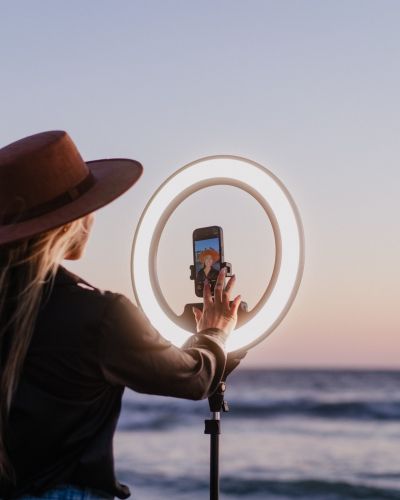
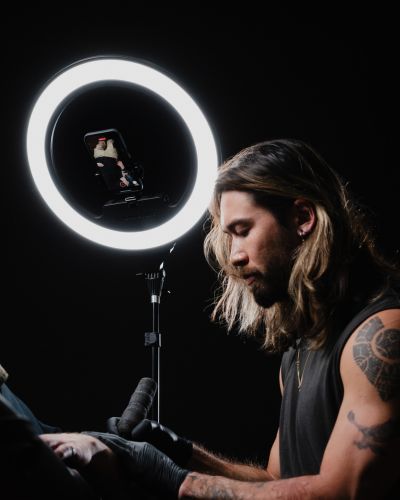
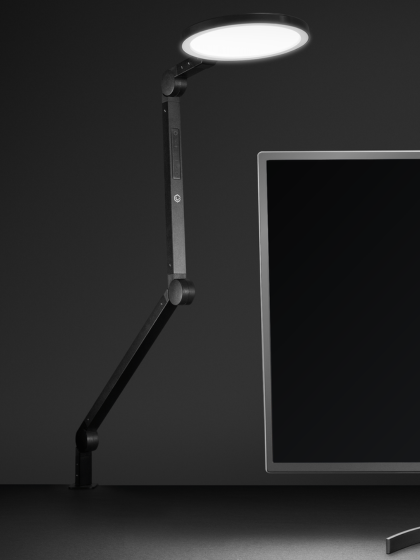
The Ring Light Pro is one of the most versatile options in this lineup when the person on camera is the main focus. Its biggest advantage is the soft, even light it creates across the face, making it especially useful for makeup tutorials, beauty content and other videos where viewers need to clearly see color, texture and fine details.
Instead of exposing individual LEDs directly toward the subject, the Ring Light Pro uses edge-lit technology to spread light through the diffusing surface around the ring. The result is a softer, more even appearance on camera. Both brightness and color temperature can be adjusted, giving you the flexibility to work around warmer indoor lighting, cooler daylight or the overall look you want to create.
That makes it useful well beyond makeup tutorials. Fashion creators can use it while talking through an outfit or showing the details of jewelry, accessories and bags. Hairstylists can clearly show a finished cut, color or style, while livestream sellers and product creators can stay evenly lit as they hold products toward the camera. The centered phone mount supports both horizontal and vertical content, so the same setup can work for YouTube videos, TikToks, Reels and Shorts.
The rechargeable battery gives you more freedom to choose where you record instead of letting the nearest outlet decide, and the remote makes it easier to adjust the light once you're already in position. For cooking creators, teachers or instructional videos, it can also work as the main light during introductions and talking segments. If you need to light yourself and a separate countertop, product or work area independently, however, a two-light setup such as the Studio Panel Kit gives you more control.
If most of the important detail in your video is happening on or around you, the Ring Light Pro gives you a straightforward way to create flattering, even light without building a multi-light setup.

Ring Light Pro
A larger edge-lit ring light with adjustable brightness and color temperature, a centered phone mount, rechargeable power and remote control.
Shop Ring Light Pro →Mobile + Travel
Creator Essentials Kit
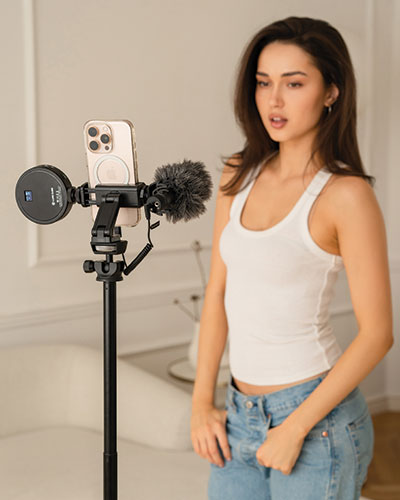
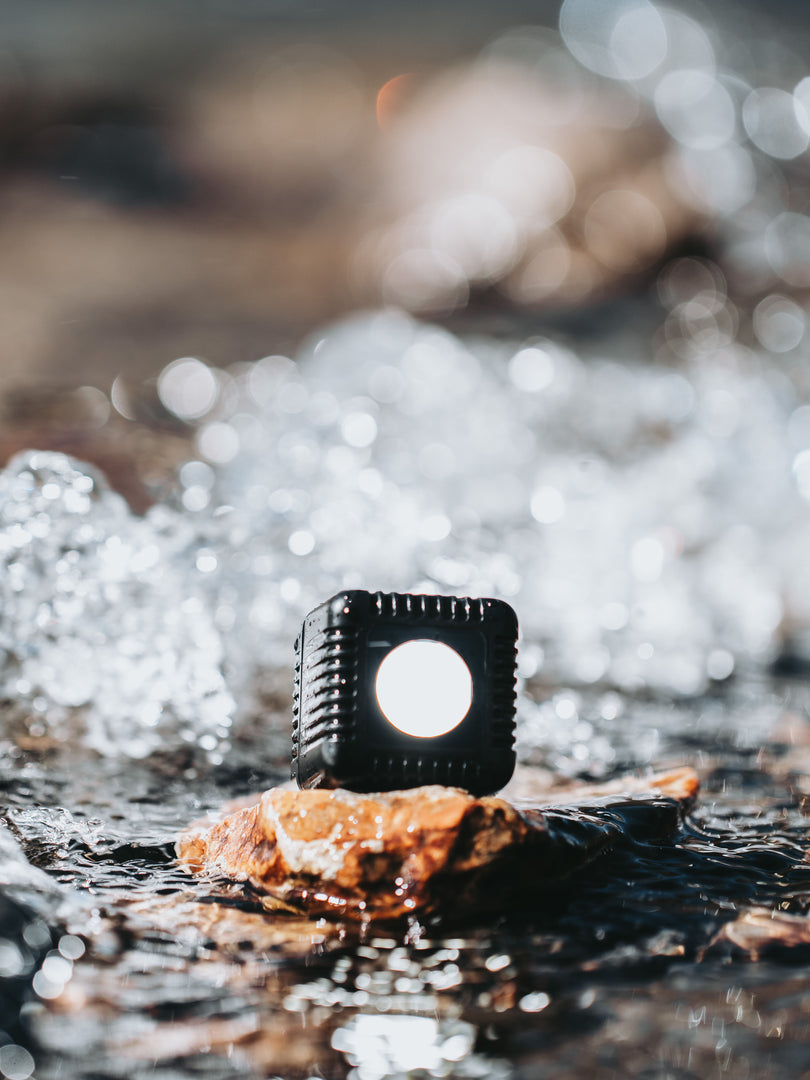
The Creator Essentials Kit is built around a different kind of workflow: creating with your phone while moving from place to place. Instead of focusing only on the light, the kit brings more of the phone filming setup together with a light, phone support, microphone, grip, tripod, cables and a travel case. That means fewer separate pieces to gather every time you're ready to film.
The tripod gives you a stable freestanding setup when you want to step in front of the camera, while the grip gives you a handheld option when the content itself requires movement. That combination can work well for travel updates, visits to local businesses, behind-the-scenes videos, interviews or casual vlog-style content where you're moving through a space instead of staying in one permanent filming position.
The compact light gives you more control when the available room lighting isn't doing you any favors. Because it is a smaller light source, it makes the most sense for nearby subjects and phone videos where you're relatively close to the camera. The included microphone adds another important piece of the mobile setup, while the phone camera remote can make filming yourself easier when you need to get into position before starting a shot.
Portability can also matter even if you never leave the house. You might record a recipe in the kitchen, move to a table for a product demonstration and then film a talking video in another room. If you mostly stay in one filming position and want a larger light across your face and body, the Ring Light Pro may be the better fit. If you want your phone, light and supporting gear to move with you, the Creator Essentials Kit is designed around that flexibility.

A mobile setup is useful anywhere your filming location changes. Sometimes "on the go" means another city. Sometimes it just means moving from the kitchen to the other side of the house.

Creator Essentials Kit
A portable creator setup that brings together lighting, phone support, a microphone, grip, tripod, cables and a travel case.
Shop Creator Essentials Kit →Simple + Compact
Video Conference Lighting Kit

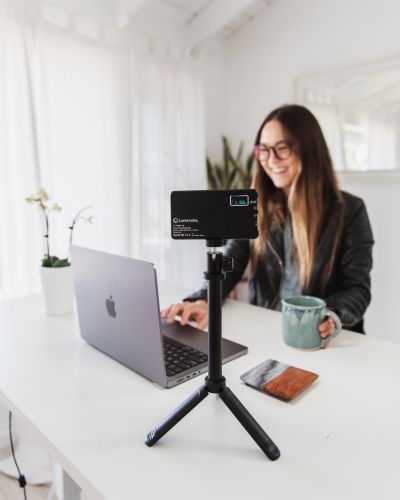
The Video Conference Lighting Kit is the smallest and simplest option in this group, but its name does not mean it is limited to work meetings. The same compact setup can be useful for online teaching, livestreaming, laptop recordings or close-range phone content where you want better lighting without building an entire studio around your camera.
The clip is what makes this option particularly convenient. It attaches directly to a computer or phone, so adding light does not automatically mean finding floor or desk space for another stand. If you work from a small desk, create while traveling or simply don't want extra equipment surrounding you, that smaller footprint can be one of the biggest advantages of the setup.
The included diffuser helps soften the light, while adjustable brightness and color temperature give you control over how bright, warm or cool the light appears on camera. That makes it easier to work around different environments, whether you're sitting in a warmer room at night or filming near cooler daylight during the day. The rechargeable battery and support for external USB power also give you options for how and where you use it.
For creators who are just starting to make videos, there is also something appealing about having very little equipment to manage. You already have the laptop or phone you're recording with, and this adds a bright compact light directly to that setup. If you eventually want a complete phone filmmaking package, the Creator Essentials Kit adds more tools. If you want a larger dedicated light and stand, the Ring Light Pro offers that. The Video Conference Kit is for the creator who wants to keep things simple.
If your content happens close to a laptop or phone, you may not need a large stand or multi-light setup. A compact light that clips directly to the device can keep the entire filming area simpler.

Video Conference Lighting Kit
Compact clip-on lighting with a diffuser, adjustable brightness and color temperature, rechargeable power and USB power support.
Shop Video Conference Kit →Maximum Flexibility
Studio Panel 2-Light Kit
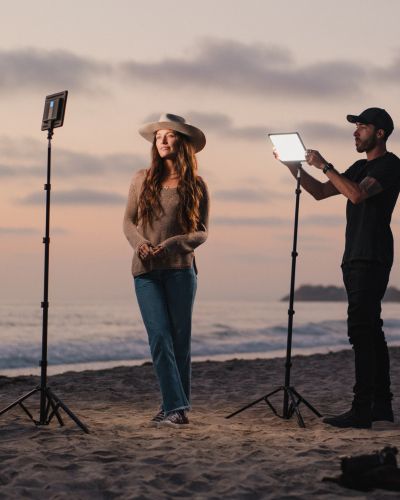
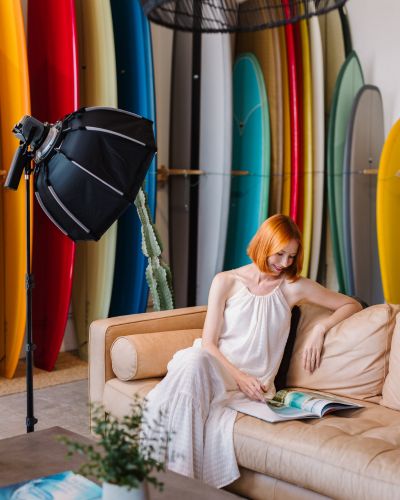
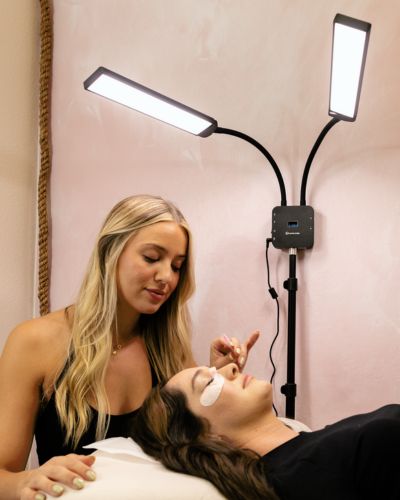
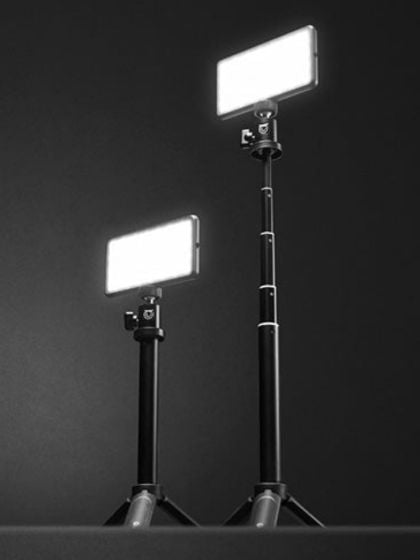
The Studio Panel 2-Light Kit gives you the most flexibility of these four choices because you're no longer asking one light to handle the entire frame. With two independently positioned lights, each one can have a different job. That becomes especially useful when your videos include more than just a person talking directly to a camera.
For cooking content, one panel could light the creator while the other lights the food or preparation area. Product reviewers can light their face separately from the item they're demonstrating. Makeup creators can position both panels around the filming position for more control or use one on themselves and another on the products they're showing. That flexibility makes the kit useful for creators whose content changes from video to video.
The panels are edge lit with diffusion built into the design, creating a broad source of light without requiring a separate diffuser for each setup. Brightness and color temperature are adjustable, and the panels are bi-color, meaning they provide warm-to-cool white light rather than a full range of RGB colors. For many creator setups, that gives you the control needed to make people, products and work areas clear and consistent on camera.
Separate stands allow the panels to be positioned independently, while the remote gives you control when you're already in front of the camera. The lights can also be assigned to separate groups so they can be adjusted individually rather than always changing together. Built-in batteries help when you want to move the setup, and the carry bag keeps the kit together when you're taking it somewhere else. It is more equipment than a clip-on light, but that extra equipment is exactly what gives you more choices about where your light comes from and what it reaches.

One light does not have to solve every problem. Separating your subject light from your product, food or work-area light gives you more control over the entire frame.

Studio Panel 2-Light Kit
Two bright edge-lit bi-color panels with built-in diffusion, independent stands, remote control, rechargeable power and a carry bag.
Shop Studio Panel 2-Light Kit →Side-by-Side
Compare the Four Creator Setups
There is plenty of overlap between these options. A makeup creator, cooking creator or YouTuber could easily find a use for more than one. The biggest differences come down to what you're lighting, how much equipment you want around you and how often your setup moves.
Beauty, makeup, fashion, hair, talking videos and livestreams.
Large all-in-one ring light with a centered phone mount.
Rechargeable, giving you more freedom to reposition your filming setup.
Soft, even light across the face when the creator is the main focus.
Travel, vlogging, behind-the-scenes content, phone videos and filming on location.
A phone filmmaking kit with lighting, support, audio, grip and tripod.
Designed to keep your essential phone filming gear together and ready to move.
Combines more of your mobile filming setup into one easy-to-carry kit.
Laptop content, online teaching, livestreaming and close-range phone videos.
Compact light that clips directly to a computer or phone.
Small enough to move easily between your desk, bag and different filming locations.
Adds adjustable close-range lighting without requiring another floor or desktop stand.
Cooking, product videos, makeup, YouTube and content with multiple areas to light.
Two independently positioned edge-lit panels on separate stands.
A larger setup, but built-in batteries and the carry bag make it easier to move when needed.
Gives you independent control over the light reaching different people, products or areas of the frame.
Find Your Fit
So, Which Creator Light Should You Choose?
Think about what you're showing, where you're filming and which features make creating easier for you.
You primarily film yourself and want soft, even lighting for beauty, fashion, hair, livestreams or talking content.
Your phone is your main camera and you want your lighting, support and audio setup to travel together.
You want the smallest, simplest close-range setup for a laptop or phone without adding another stand.
You need to light more than one part of the frame or want the freedom to change your lighting setup for different videos.
Shop the Guide
Find Your Creator Lighting Setup
Video Conference Lighting Kit
Compact clip-on lighting for laptops, phones and close-range content.
Shop Now →
Studio Panel 2-Light Kit
Two independently positioned lights for maximum creator flexibility.
Shop Now →
Create Your Way
The Best Light Is the One That Fits How You Create
There isn't one lighting setup every creator has to choose. A cooking creator, makeup artist, TikToker and YouTuber may all need something different, and some creators may find more than one of these setups useful.
Start with what you're filming, where you're filming it and what you want your light to do. Once you know that, choosing the right setup gets a whole lot easier.